


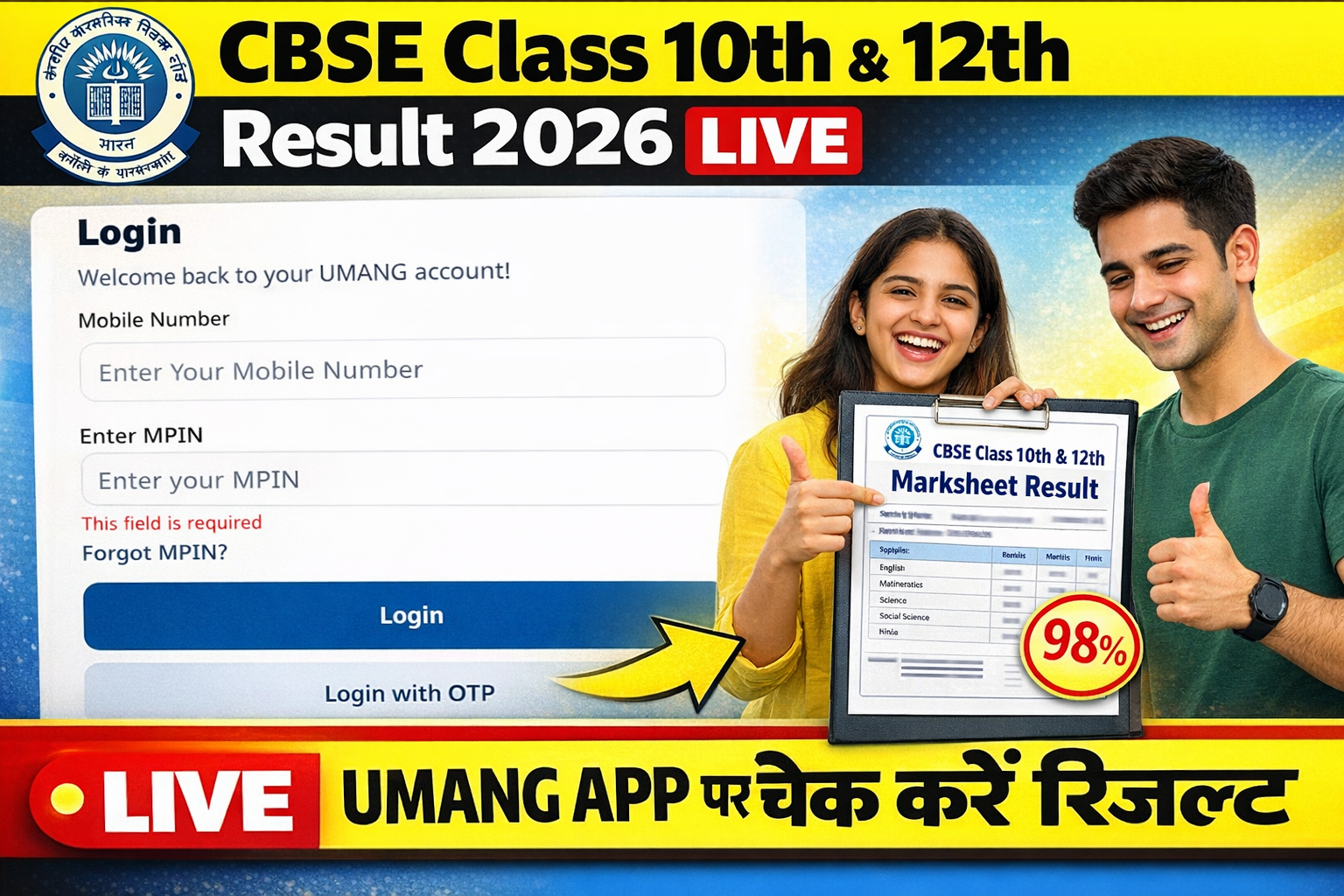
UMANG APP CBSE Result 2026 Class 10th & 12th Live today at @umang.gov.in. The Central Board of Secondary Education (CBSE) Released today 10th & 12th Class result 2026. Students can Check UMANG APP. Also Check CBSE Class 10th & 12th Result 2026 by name and roll number wise its on official website at results.cbse.nic.in, cbse.gov.in or umang.gov.in.
CBSE Result 2026 Class 10th & 12th Live
सीबीएसई 10वीं और 12वीं के छात्रों के लिए बड़ी खुश खबर है। केंद्रीय माध्यमिक शिक्षा बोर्ड (CBSE) द्वारा Class 10th & 12th Result आज जारी कर दिया गया हैं | छात्र आधिकारिक वेबसाइट, DigiLocker और UMANG ऐप के जरिए अपना मोबाइल नंबर और MPIN नंबर इंटर करकेअपना स्कोर चेक कर सकते हैं । और रिजल्ट पेज को स्क्रॉल करके read more बटन पर क्लिक करके CBSE Class 10th or 12th Marksheet Download कर सकते हैं |
UMANG APP CBSE Class 10th & 12th Result 2026 Highlights
| Board Name | Central Board of Secondary Education (CBSE) |
| Class | 10th & 12th |
| Exam Date | Class 10th : March 11, 2026 Class 12th : February 17 and April 9, 2026 |
| Category | Board Result |
| Result date | 14 April 2026 |
| Official Link | umang.gov.in, results.cbse.gov.in |
CBSE Class 10th & 12th Result 2026 मार्कशीट डाउनलोड via UMANG App
CBSE Result 2026 via UMANG App: The Central Board of Secondary Education (CBSE) releases CBSE result for Class 10th & 12th online. Students can check their results via UMANG app if the website is not working or crashing. They need to download the app on their mobile phones to check CBSE 10th Result 2026 and CBSE 12th Result 2026. CBSE 10th Board Exams 2026 concluded on March 11, 2026. Students are awaiting their results. CBSE 12th Board Exam is conducted between February 17 and April 9, 2026. CBSE 12th Results 2026 announced on April 14. Read below to check how to download CBSE 12th result 2026 via UMANG App.
Download Online CBSE 10th, 12th Marksheet via UMANG app?
The Ministry of Electronics & IT launched Umang App for the convenience of students. The mobile app is available on both Android Play Store as well as the iOS App Store. The details for Umang App are given below:
How to Check CBSE board Class 10th, 12th Result 2026 on UMANG App
Step 1: Download the UMANG App from the Google Play Store or Apple App Store
Step 2: Register or log in using your mobile number or Aadhaar number
Step 3: Search for ‘CBSE’ in the app and select the ‘Class 10’ option
Step 4: Enter required details such as roll number, school number, and date of birth
Step 5: Click on ‘Submit’ to view your result on the screen
Step 6: CBSE Results Also Available on DigiLocker and Official Website
CBSE Result 2026 Direct Link & Official Websites
Apart from the UMANG App, students can also access their Class 10 and Class 12 results via DigiLocker and the official CBSE websites. Checking results through results.cbse.nic.in remains one of the easiest methods.
How to Check CBSE Result 2026 Online
- सबसे पहले सीबीएसई की आधिकारिक वेबसाइट results.cbse.nic.in या cbse.gov.in पर जाएं।
- होमपेज पर “Secondary School Examination (Class X or XII) 2026” के लिंक पर क्लिक करें।
- अपना रोल नंबर, स्कूल नंबर, एडमिट कार्ड आईडी और जन्म तिथि दर्ज करें।
- सिक्योरिटी पिन भरकर ‘Submit’ बटन पर क्लिक करें।
- आपकी मार्कशीट स्क्रीन पर आ जाएगी, इसे डाउनलोड कर भविष्य के लिए सुरक्षित रख लें।
DigiLocker और UMANG ऐप का उपयोग
छात्र अपनी डिजिटल मार्कशीट DigiLocker के जरिए भी प्राप्त कर सकते हैं। इसके लिए आपको अपना छह अंकों का सिक्योरिटी पिन पहले से तैयार रखना होगा। साथ ही, UMANG ऐप के जरिए भी छात्र कहीं से भी तुरंत अपना रिजल्ट चेक कर सकते हैं।
इन वेबसाइटों पर भी रहेगी सुविधा
Latest : रिजल्ट जारी होने के बाद छात्र cbse.gov.in, results.cbse.nic.in, DigiLocker और UMANG ऐप के जरिए मार्कशीट डाउनलोड कर सकेंगे. बोर्ड इस बार डिजिटल मार्कशीट पर विशेष फोकस कर रहा है ताकि छात्रों को तुरंत दस्तावेज मिल सकें |